Automatic update checking is off by default: while it is off, the app contacts no server.
Download
Obscura Trace for macOS
The app is downloaded from the Obscura member area, the shared entry point to the Obscura apps: sign in, or request an account, then download Obscura Trace from your space.
macOS 14 Sonoma or later · Apple silicon or Intel Mac (universal binary)
Before you download
- Download
- Obscura member area ↗
- Format
- A disk image (DMG) distributed outside the App Store, signed with a Developer ID certificate and notarized by Apple: Gatekeeper opens it without a warning.
- System
- macOS 14 Sonoma or later
- Mac
- Apple silicon or Intel Mac (universal binary)
- Release notes
- Changelog
Install
Four steps, then the first launch.
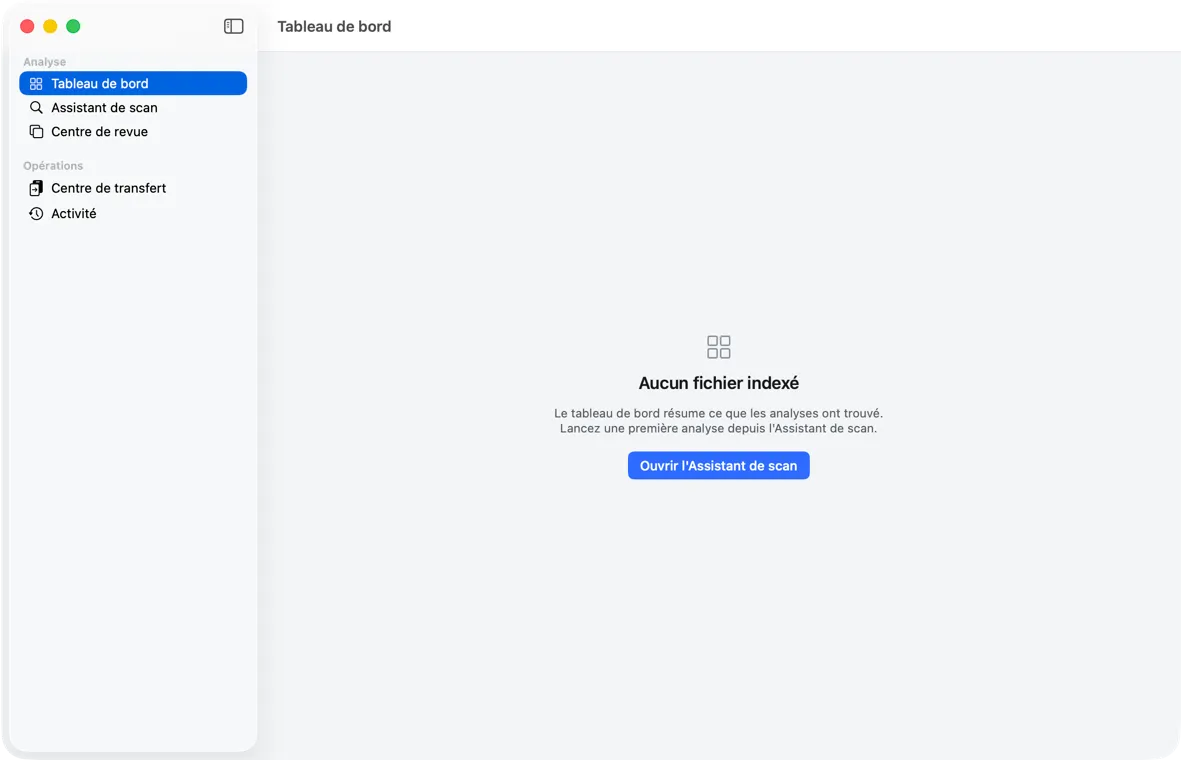
On first launch, the catalog is created in ~/Library/Application Support/Obscura Trace/, and the Dashboard invites you to start a first analysis.
- 01Open the .dmg file
It mounts like a drive in the Finder.
- 02Drag Obscura Trace to Applications
Drag the app into the Applications folder.
- 03Eject the disk image
It is no longer needed once the app is copied.
- 04Launch Obscura Trace
From the Applications folder or Launchpad. The app is in French.
Updates
Nothing connects unless you ask.
Once the app is installed, updates go through the standard Sparkle component.
Obscura Trace › “Rechercher les mises à jour…” (Check for Updates…) checks on demand; Settings let you turn on a daily check.
An update is never installed without your consent, and its cryptographic signature is checked before installation.