Documentation
Learn Obscura Trace, screen by screen.
The user guide describes the app as it is today, with the exact labels you will see. When a feature does not exist yet, it says so. The app is in French: its labels are quoted in French, with an English gloss.
User guide
All chapters.
Chapters 1 to 7 need no technical skill; chapter 8, on the command line, is for advanced users.
- 00Introduction
Obscura Trace is a macOS app that inventories your photo disks, finds duplicates and helps you consolidate your archives to a new…
- 01Installation and first launch
System requirements, installation, opening the catalog, disk access, updates.
- 02Tour of the interface
The window, the sidebar, the menus, the states of a screen.
- 03Analyzing a source: the Scan Assistant
The Scan Assistant: sources, file types, exclusions, analyses, start; pause, resume, cancel.
- 04Dashboard and Activity
Reading the totals, following the history of operations.
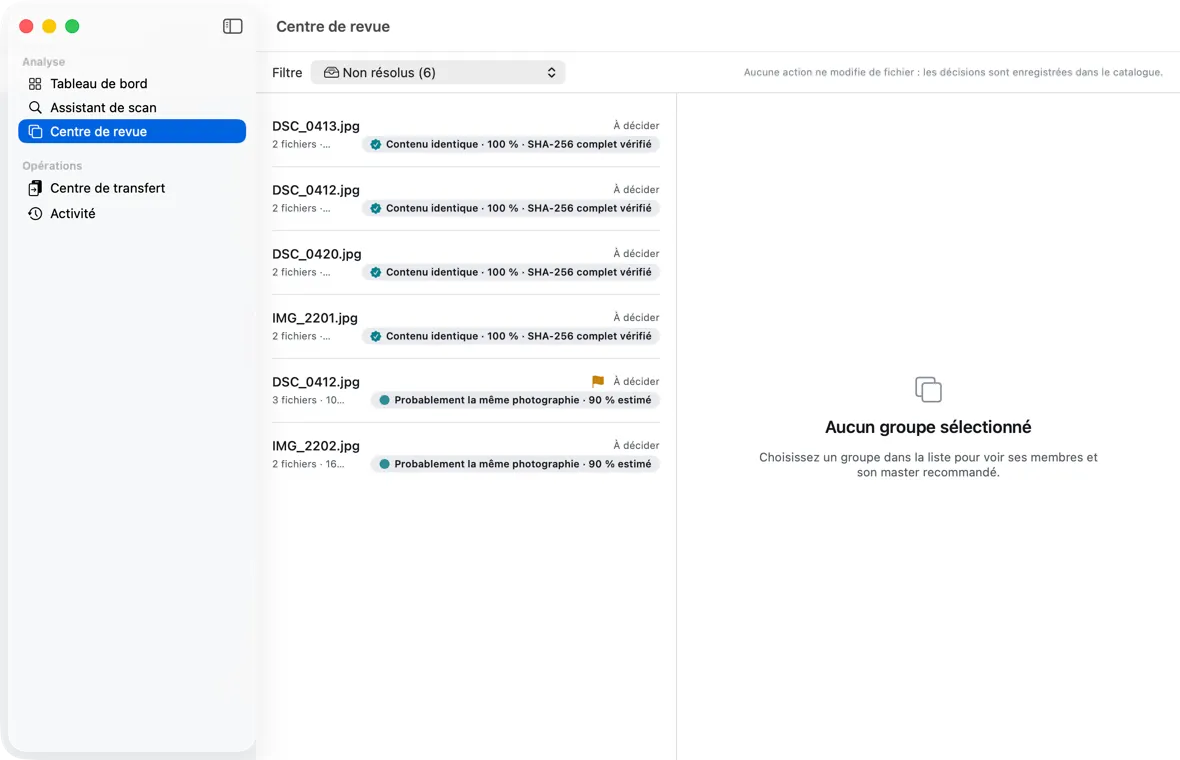
- 05Reviewing duplicates: the Centre de revue
The Centre de revue (Review Center): filters, groups, recommended master, confidence, decisions.
- 06Transferring and consolidating: the Centre de transfert
The Centre de transfert (Transfer Center): dry run, plan, collisions, confirmation, execution, resume, report, manifest.
- 07Réglages (Settings)
Permanent deletion, catalog location, updates.
- 08The obscura command line (advanced users)
For advanced users: settings, review, plan, execution, resume, batch renaming.
- 09Understanding the concepts
Exact or visual duplicate, master, confidence, companions, weak volumes, detected moves.
- 10What to do if…
Disk unplugged, app quit, exFAT, NAS (SMB, AFP), unreadable files, error messages.
- 11Your data: location, backup, reset
Catalog, manifests, preferences; backing up or starting over.
- 12FAQ, current limitations and glossary
Frequently asked questions, what is not yet delivered, vocabulary.
Next step
Find out what your drives really hold.
Obscura Trace is signed with Developer ID and notarized by Apple. macOS 14 Sonoma or later.